How to Add Google Preferred Sources to Tistory
Add the generated code to your Tistory skin once, and an Add as a preferred source on Google button can appear on every post. This guide shows how to back up your skin, place the code beside the post-body placeholder, apply the change, and test it on mobile and desktop.
Key installation point
[##_article_rep_desc_##]Find this post-content placeholder in the Tistory skin and paste the generated code immediately before or after it.
Confirm your Tistory address first
If you use the default Tistory address, enter yourblog.tistory.com. If you connected a custom domain, use the canonical domain that visitors open and search results display. The generator removes paths when you paste an individual post URL.
Google supports sources at the domain or subdomain level, not at the subfolder level. Before installing the button, use the generator’s source-check feature to confirm that Google can find the address.
1. Generate code for Tistory
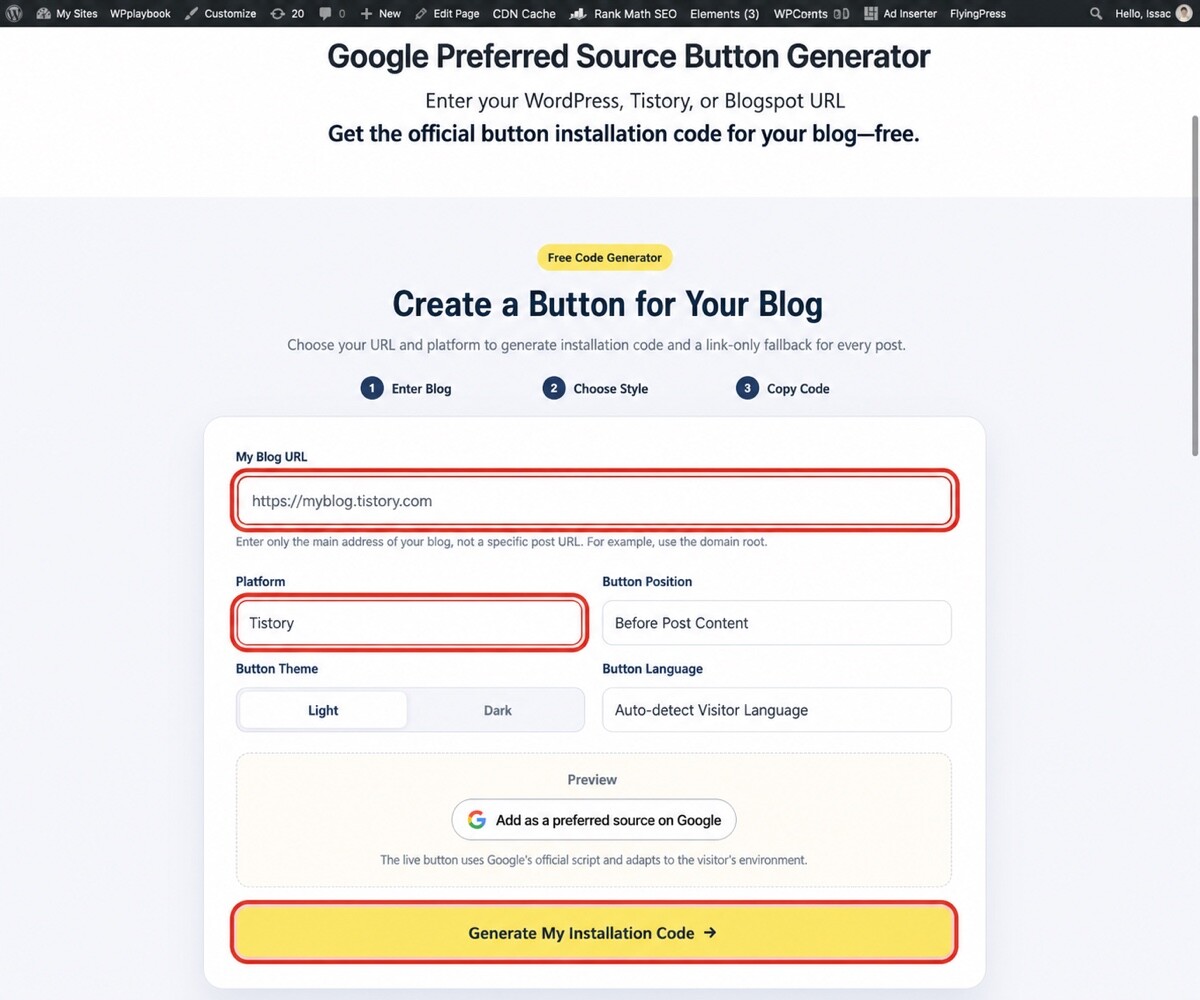
- Open the Google Preferred Sources Button Generator.
- Enter your public Tistory address.
- Select Tistory as the platform.
- Choose before-post or after-post placement.
- Select the light or dark theme and button language.
- Click Generate My Installation Code and copy the recommended code in full.
2. Back up your current Tistory skin
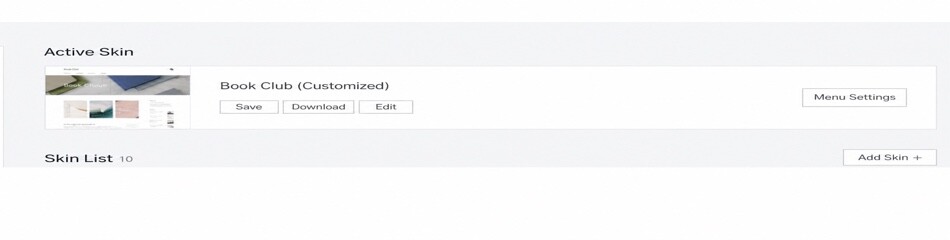
Back up the active skin before editing HTML. In Tistory Admin, go to Appearance → Change Skin and use Download or the archive feature. A backup lets you restore the previous design if the editor reports an error or the layout breaks.
3. Paste the code into the skin HTML
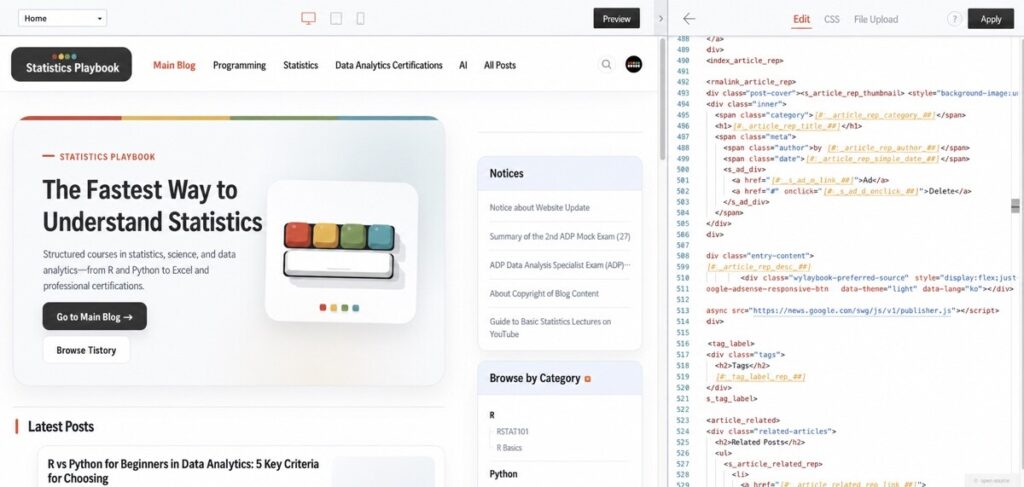
- Go to Appearance → Edit Skin in Tistory Admin.
- Open Edit HTML.
- Click in the editor and search for
[##_article_rep_desc_##]. - For before-post placement, paste the generated code immediately before the placeholder. For after-post placement, paste it immediately after.
- Click Apply to save.
WPlaybook’s generated code includes the <s_permalink_article_rep> condition, so the button appears on individual posts rather than archive pages. It also loads Google’s official publisher.js script and renders the button according to the selected theme and the visitor’s language.
4. Test on desktop and mobile
Open a public post on both desktop and mobile and check the placement. Tistory’s in-app browser and the KakaoTalk browser may keep an older cached page. If the change is missing, close and reopen the window or test in an incognito tab of a regular browser.

If the button does not appear
- If the placeholder appears more than once, choose the actual post-content placeholder inside
<s_permalink_article_rep>. - Compare the pasted code with the generated version to check for missing lines or changed quotation marks.
- Check whether skin optimization delays or blocks external JavaScript.
- Temporarily disable ad blocking or content blocking while testing.
- If you change skins later, reinstall the code in the new skin HTML.
Frequently asked questions
Should I enter the default Tistory address or my custom domain?
Use the canonical public address shown in search results and used by visitors. If you have fully migrated to a custom domain, that is usually the correct choice.
Do I have to edit every post?
No. Install the code once around the post-body placeholder, and it will apply to existing and future posts that use the skin.
Will the code survive a skin change?
Not necessarily. Code added directly to one skin’s HTML may not carry over to another skin. Reinstall it after switching themes.
You can also review Tistory’s official skin documentation for post placeholders and permalink conditions.
You may also like
by Google AdSense

Issac Lee is the founder of WPlaybook and Statistics Playbook, a data analytics education brand. Since 2021, he has built and operated online businesses, produced more than 500 videos, and created and sold courses and digital content in collaboration with companies. He currently manages the development, SEO, and content operations of more than 40 business websites and specialist blogs. His work focuses on WordPress funnels, technical SEO, content strategy, community-led monetization, and sustainable online business.
View all posts by Issac Lee